How to access the Next World Platform Portal
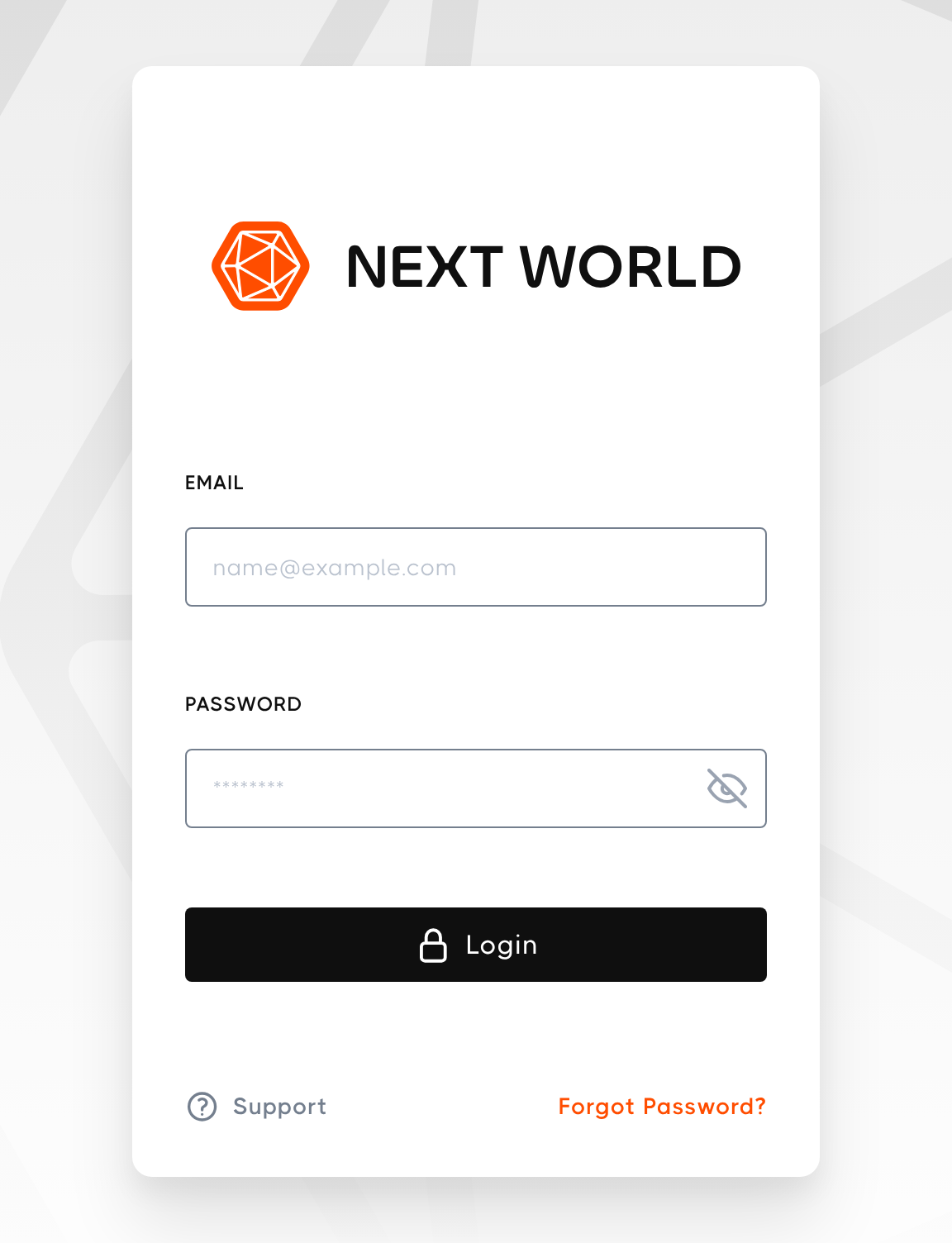
ToUpdating access the Portal, go to https://nwxr.app in your web browser and log in with your email address and password. Your login details are provided by Next World or by your organisation's administrator.
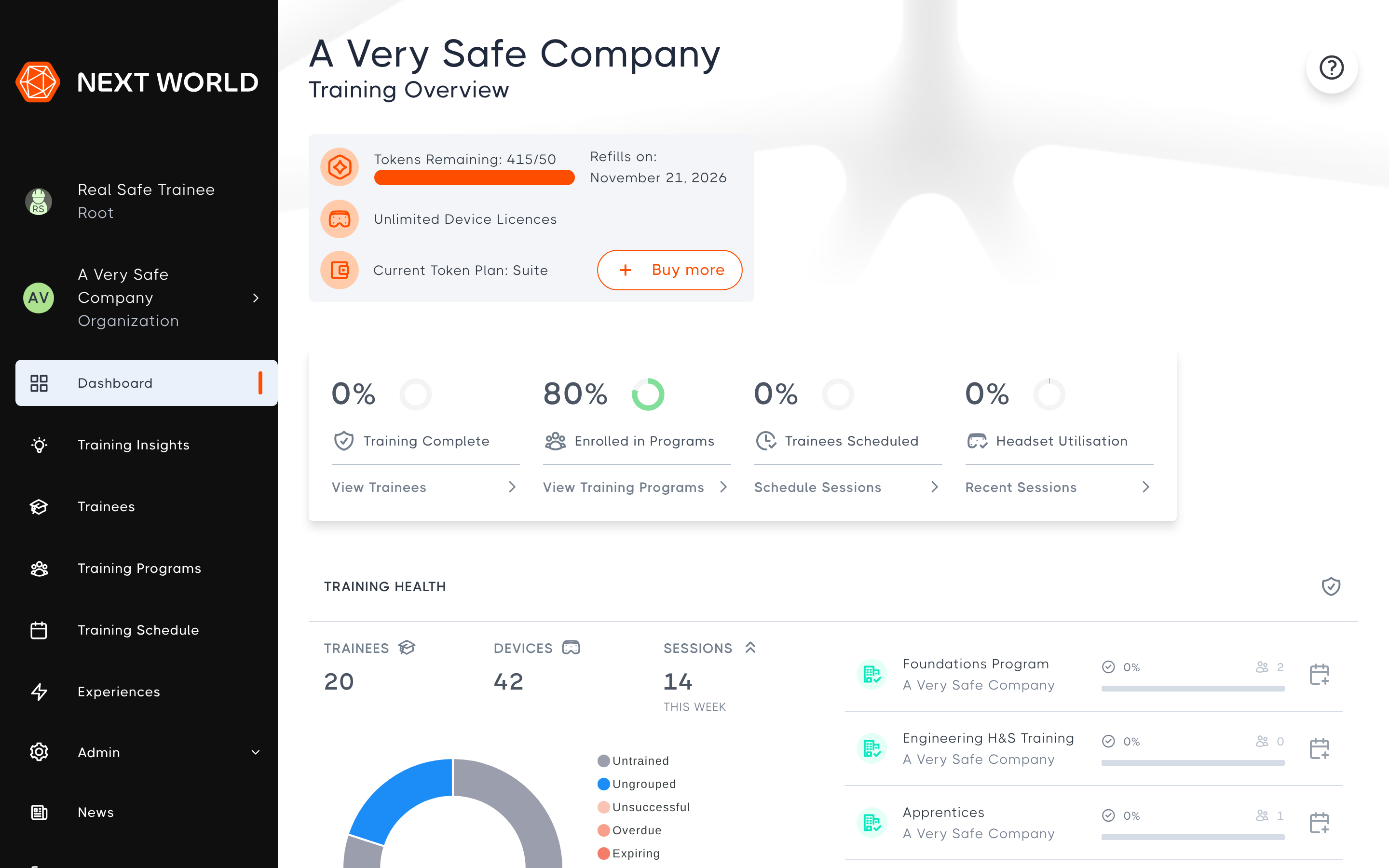
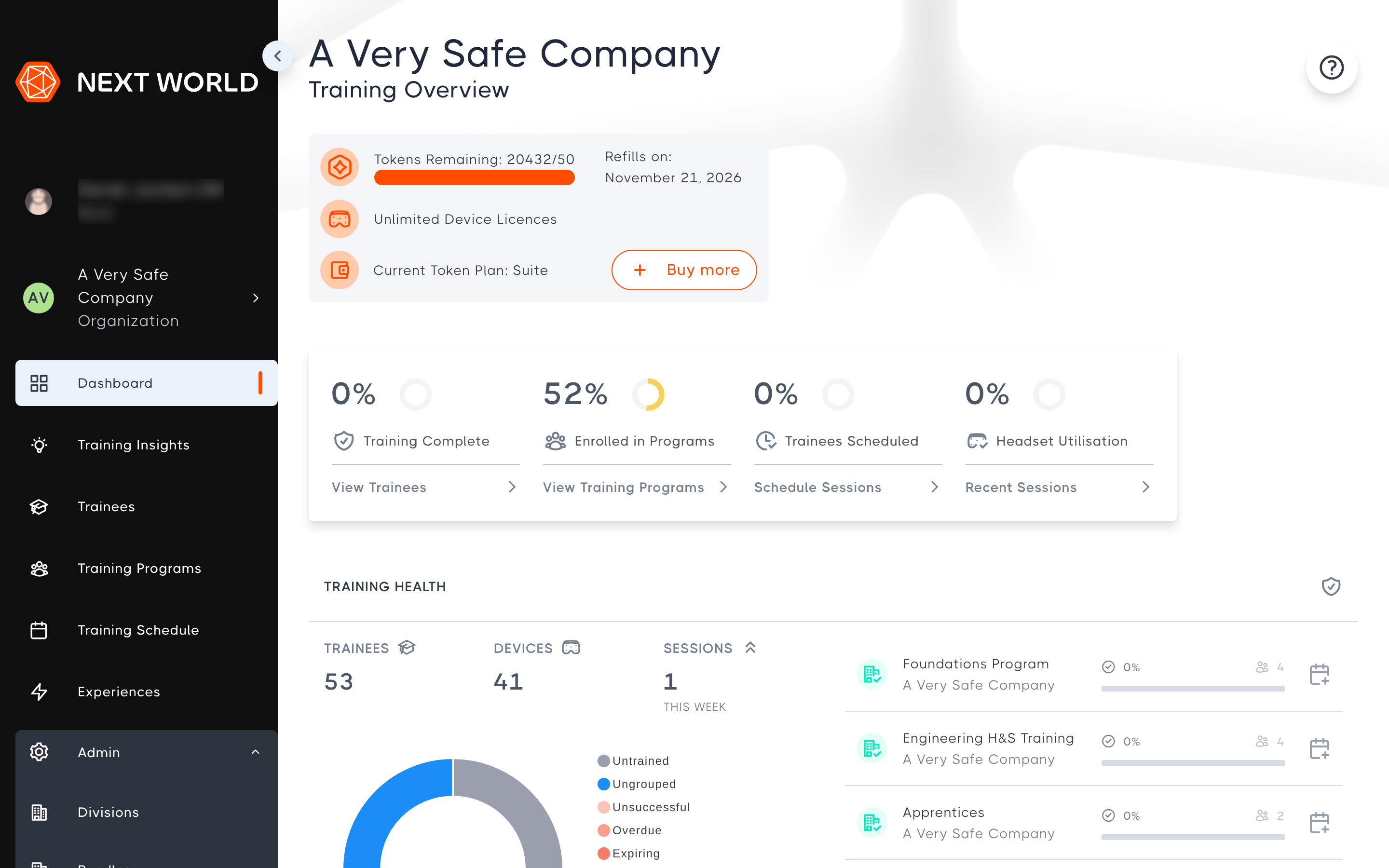
Once you have logged in, you will land on the Dashboard, which gives you a training overview of your organisation. Use the menu on the left to move around the Portal.
Create an account
If your organisation is new to Next World, contact us to set up an account. If your organisation already uses Next World, ask your manager or administrator to add you as a member. If you believe you have an account but don't know the password, you can reset your passwordscreenshots...
Forgotten password
If you've forgotten your password, select Forgot Password? on the login screen. More information is available in How to change or reset your password.