
Finding training insights and data
OneUpdating of the most valuable aspects of VR safety training is the ability to collect a user's training session data and then analyse that data to draw conclusions, giving us a much more in-depth insight into their learning. From the Training Insights page, you are able to review the results of your users when they complete a course.
screenshots...
How to access training insights
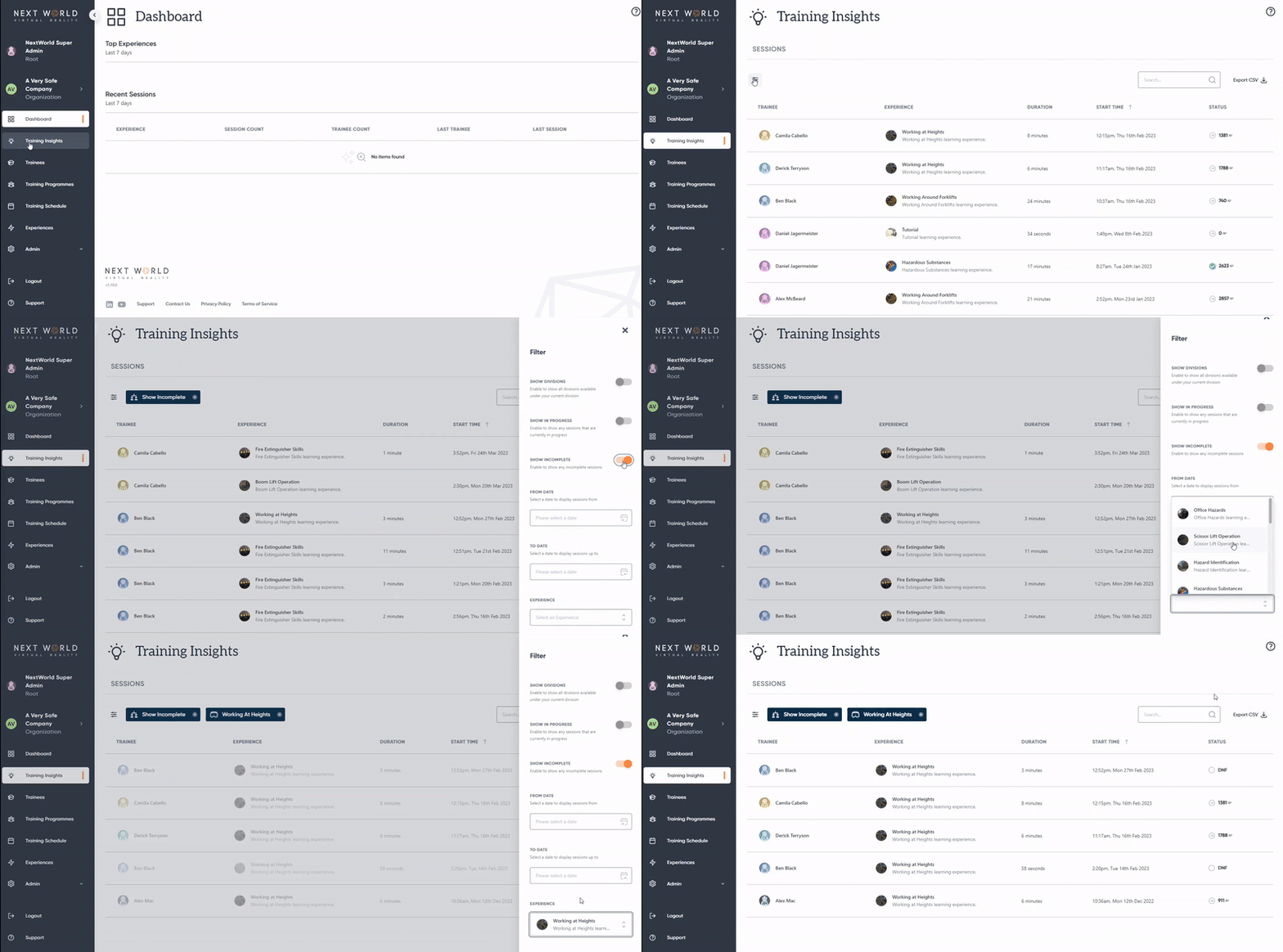
You can access these sessions by clicking on the Training Insights tab on the left navigation bar. This will bring up a list of all the training sessions completed by users in your organisation.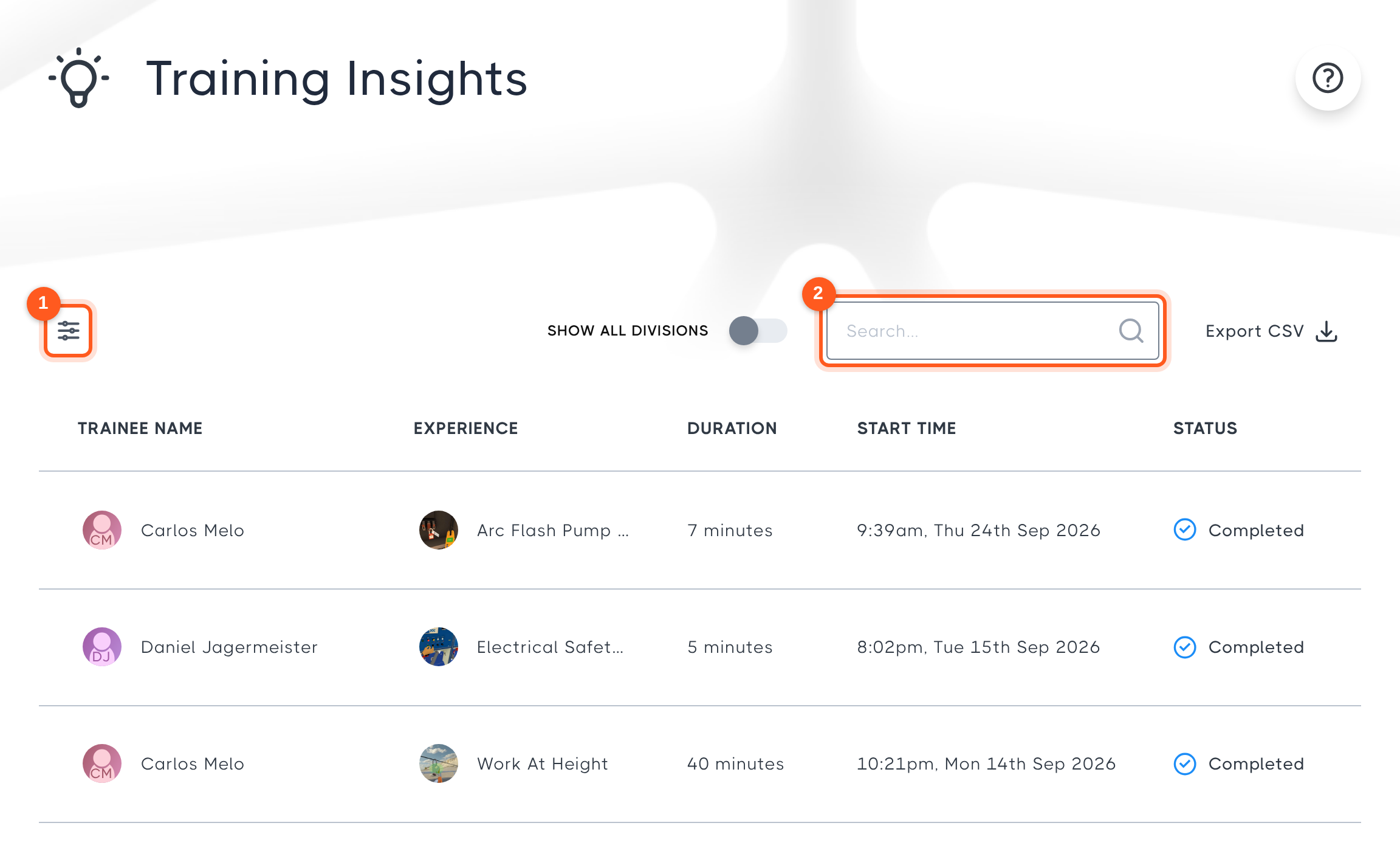
By default, session will be sorted by most recent sessions first, however you can use the search bar to search for a particular member, or use the filter icon to filter by date range or experience. You can also choose to see members of the organisation's divisions, in-progress training or incomplete sessions. 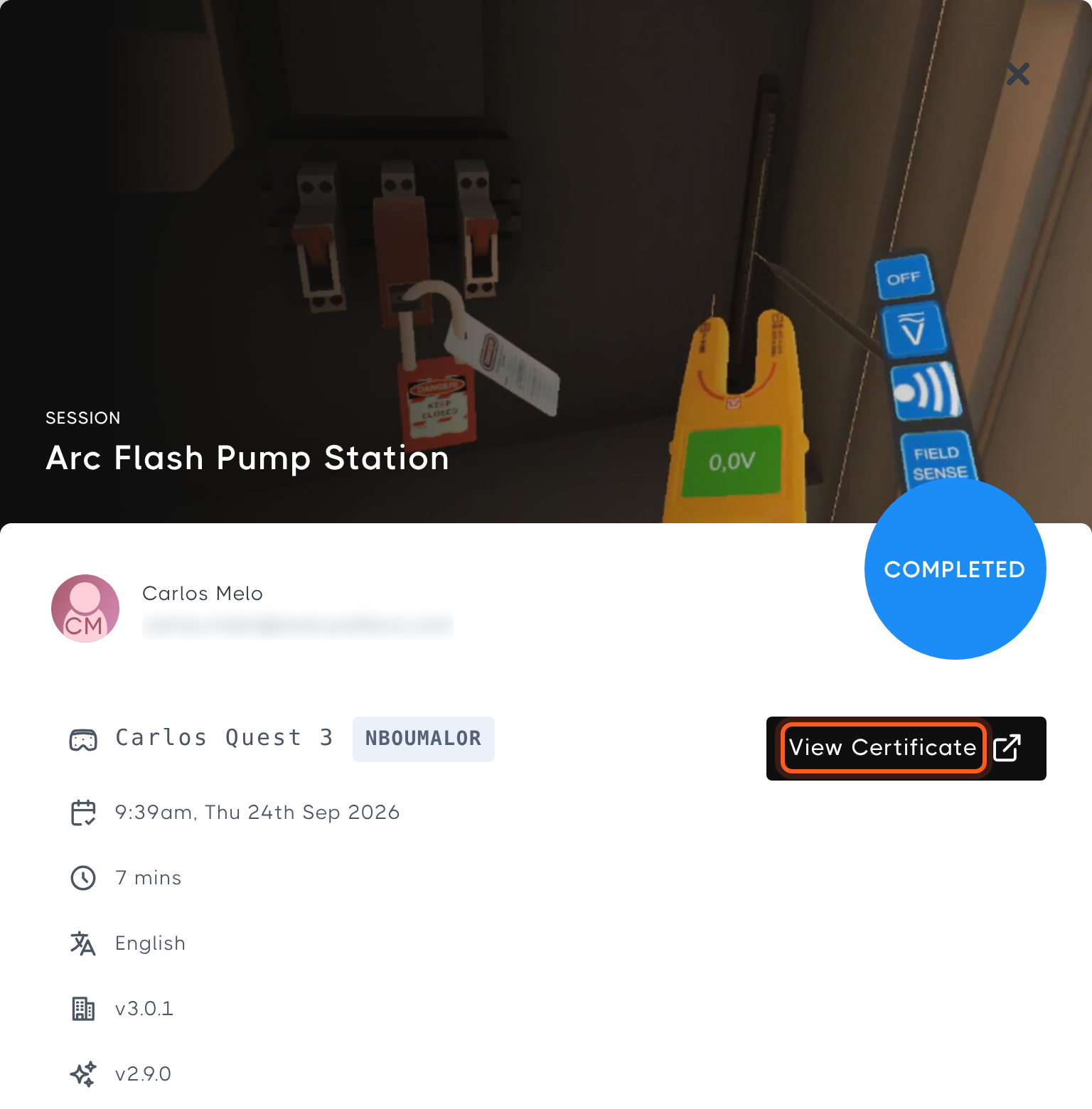
From here, you can click on a session to view its results.
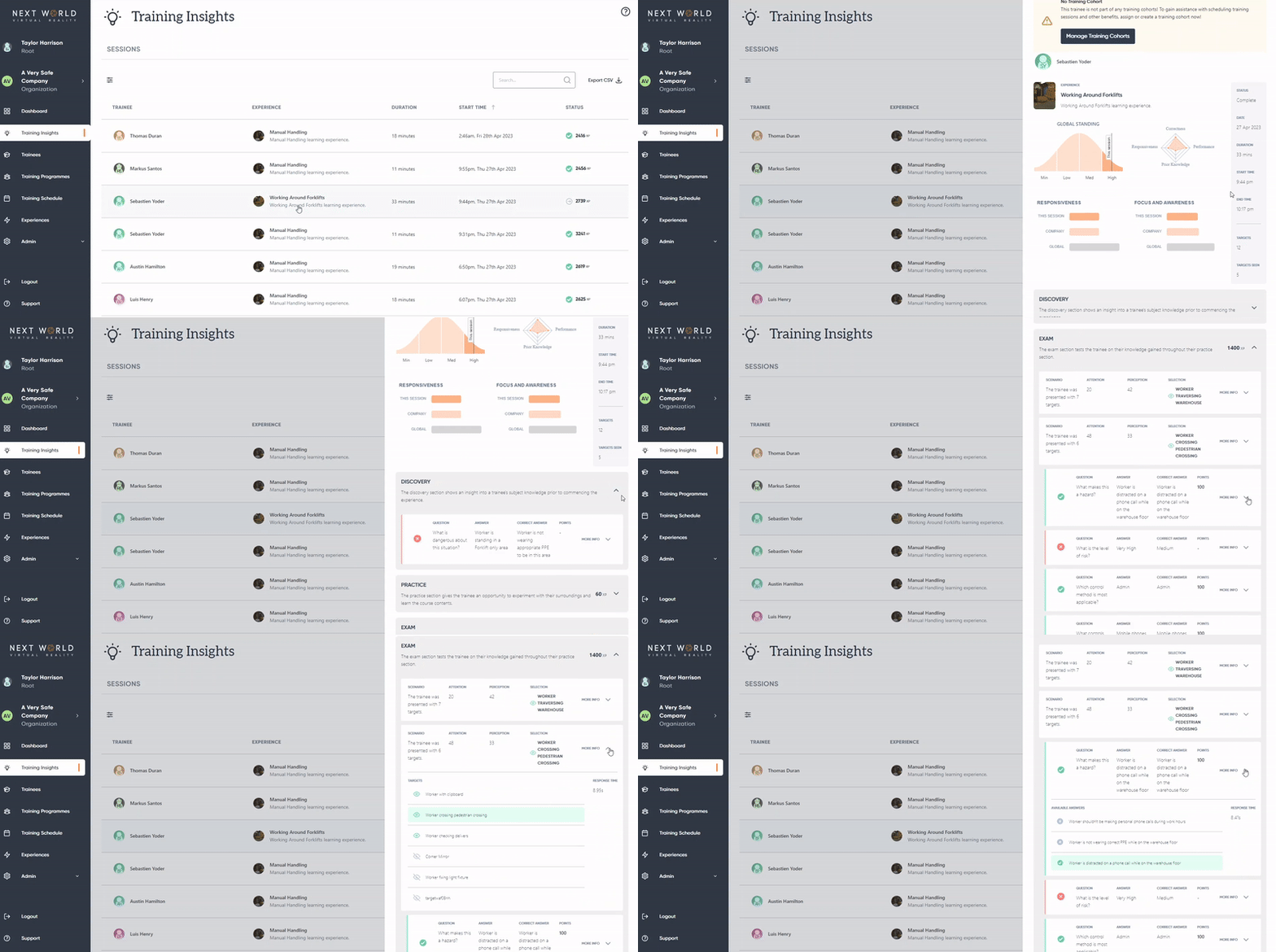
These session results will give you an in-depth look at how the user performed during the course, as well as how they benchmarked against others in your organisation and globally.